Organize projects
Browse your library
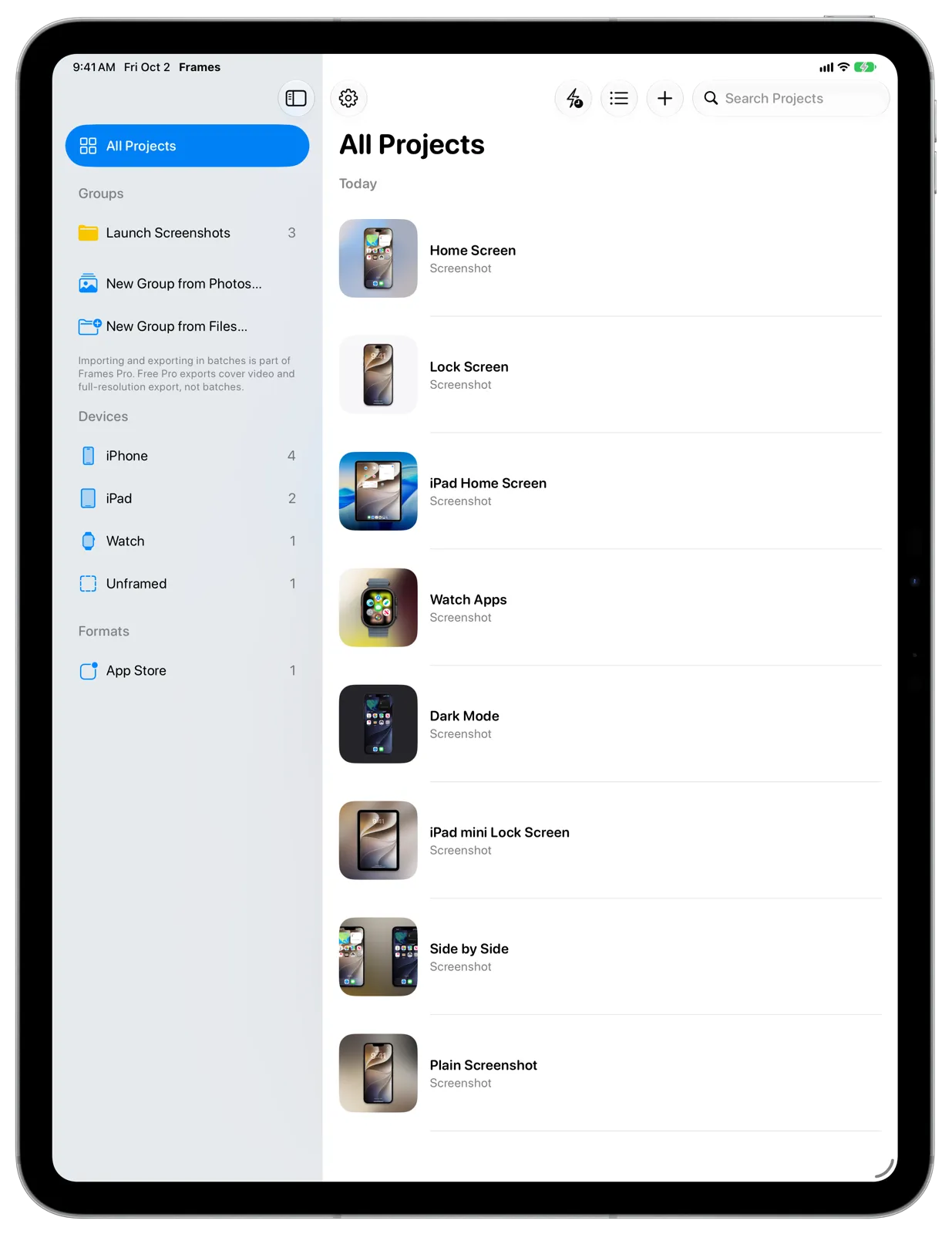
Every project you make is in your library, newest first. You can narrow it down by Group, device or format, or search for a project by name.
#Browse by collection
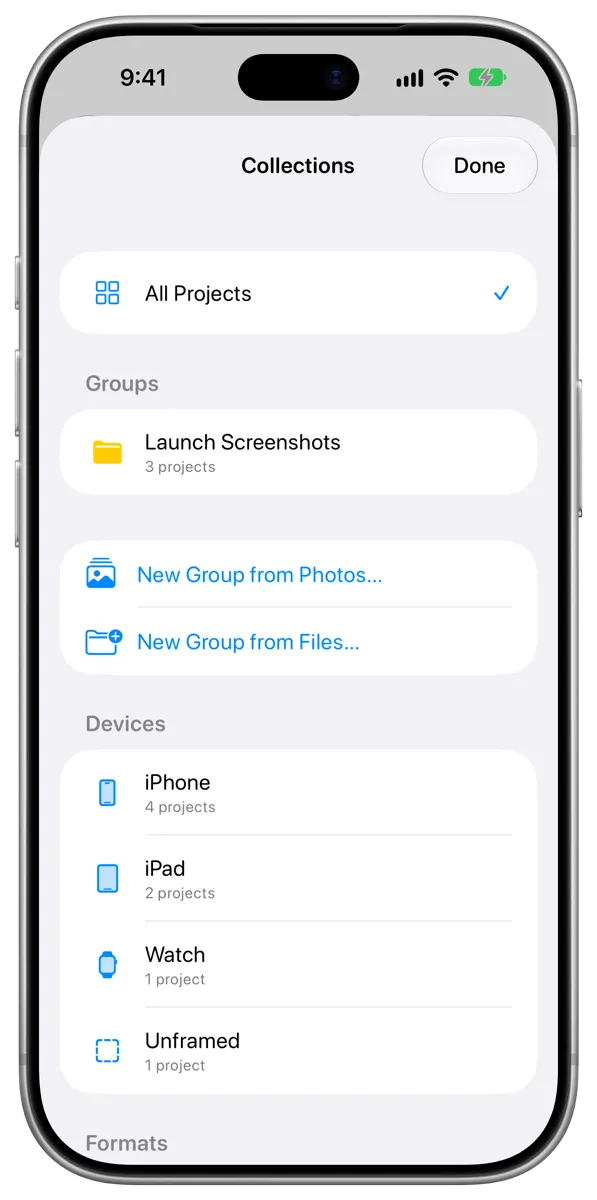
Frames sorts your projects into collections automatically:
- All Projects: Everything in your library.
- Groups: The Groups you’ve made. See Use Groups.
- Devices: Projects framed in an iPhone, iPad, Mac or Apple Watch, plus Unframed for projects shown without a device.
- Formats: Projects on an App Store canvas size, and screen recordings.
On iPad and Mac, choose a collection in the sidebar. On iPhone, tap the Collections button at the top of your library, then choose one. The library’s title changes to show what you’re looking at.
#Search
Type in the Search Projects field to find projects by name. On iPhone, the field is at the bottom of the screen. On Mac, press Command-F to jump to it.
#Show projects as a grid or a list
Tap or click the View Options button, then choose Grid or List. The list shows projects grouped by when you last changed them.